
Online Booking
Let customers book appointments or reservations anytime, anywhere.
Booking Website Solution
Create a professional website with online booking, appointments and reservations — all in one place.
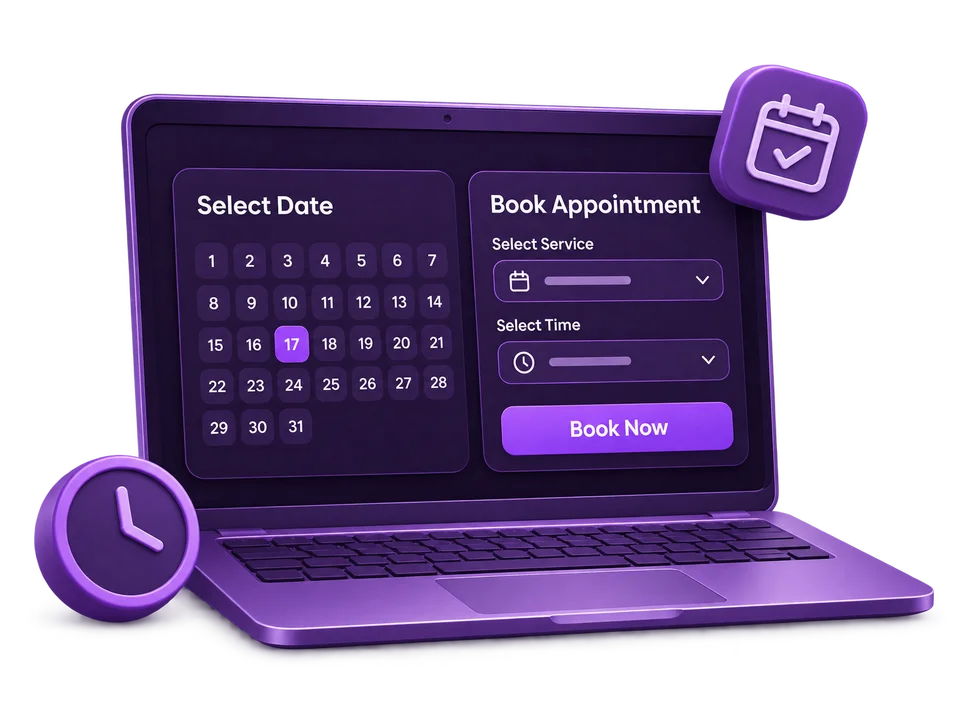
Booking Website Features
Powerful features to manage appointments, reservations and customer bookings with ease.
Let customers book appointments or reservations anytime, anywhere.
Create, update and manage appointments with ease.
Show available dates and time slots based on your booking schedule.
Stay informed about new bookings and appointment updates.
Accept booking payments through your configured payment methods.
Set service duration, buffer time and booking limits.
Who Can Use It?
A flexible booking solution for different industries and business types.

Book doctor appointments, consultations and checkups.

Take online bookings for salon, spa and beauty services.

Manage class bookings, training sessions and trials.

Accept room reservations and manage availability.

Take table reservations and manage dining bookings.

Accept bookings for events, workshops and other services.
How It Works
Let customers book your services in four simple steps.
Add your services, pricing, availability and booking details.
Customers browse available dates and select a suitable time.
Customers submit their details and confirm their appointment.
Manage appointments, track bookings and keep everything organized.
Frequently Asked Questions
Find answers to common questions about our booking website solution.

Your booking website brings together service listings, online scheduling, appointment management, availability and booking notifications, with optional online payments. We agree on your website’s scope and setup before building. Pricing is per website; additional services are activated separately in your workspace.
Yes. Add your services, set their duration and pricing, and manage the dates and times customers can book through your booking tools.
Online payments can be configured for your booking website. Available methods depend on your payment provider, business location and setup. Our team will confirm your options before configuration. Payment providers may charge their own transaction fees.
Booking notifications help you stay informed about new appointments and updates. We will confirm the notification channels available for your website during setup.
Rescheduling and cancellation options depend on the booking rules configured for your website. We will help you confirm the process and policies for your business before launch.
Yes. Discuss new website requirements with our team as your business grows. Discover and activate additional services separately inside Zyrolo Workspace after login, reviewing availability and pricing before activation.